
VirtualDJ Home Edition is the perfect software for learning how to mix.
VirtualDJ's interface, so easy and so intuitive, will get you in the action very quickly.
During your first mixes, its first-grade BPM engine will automatically analyze the rhythm of the music, and can take care of all the beatmatching for you.
You can deactivate this feature in the future and as you learn how to match the beats on your own. And yet, the very existence of this function really lets you progress at your own pace.
Moreover, the numerous live remix features will let you put your artistic talent to work without waiting through the many years of technical learning.
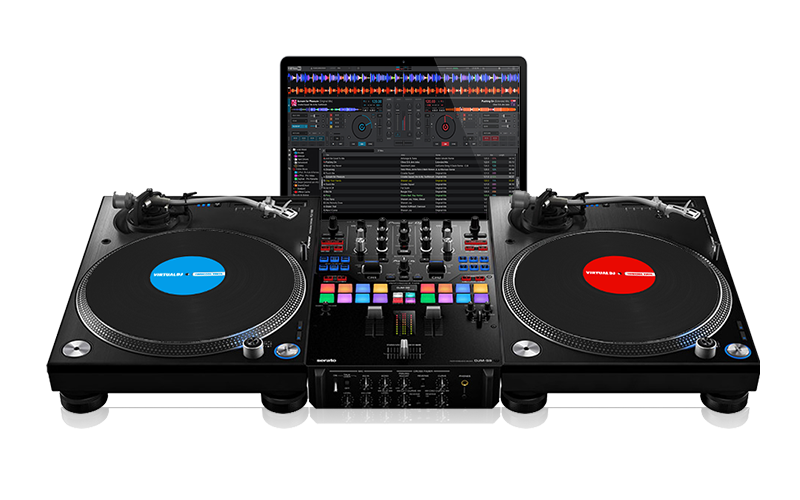
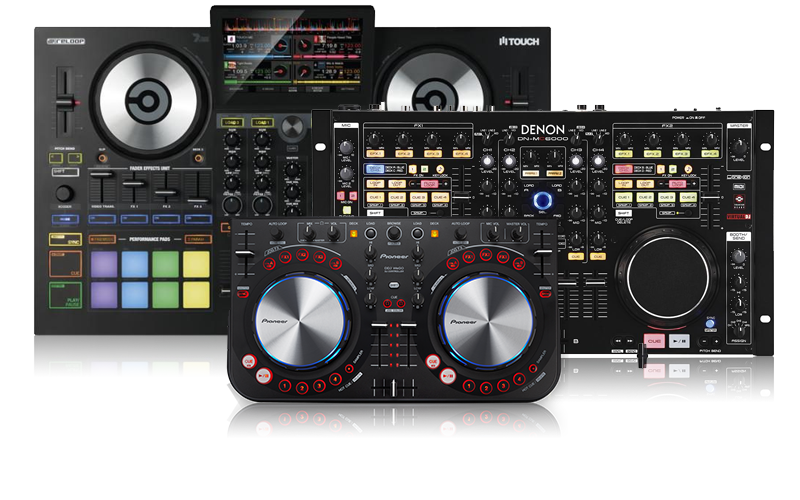
As your skills grow and you want to acquire a mixer, turntables, or hardware controller to get all the feelings of DJing; you will need to upgrade (with a discount) to VirtualDJ Pro.
Home Editon features the ability record your mixes, podcast and broadcast your mixes, and more.
See our comparison of the different VirtualDJ product lines here.
Though you might not become the next Paul Oakenfold, you can get pretty close. This software lets you pull up songs on two virtual turntables and add effects, match beats, and practice your cross-fading skills. For novices, club-mixing is simple thanks
to the program's handy beat-matching function. Advanced DJs will appreciate the ability to record sessions or broadcast them directly to the Web.
PC Magazine - about VirtualDJ Home Edition
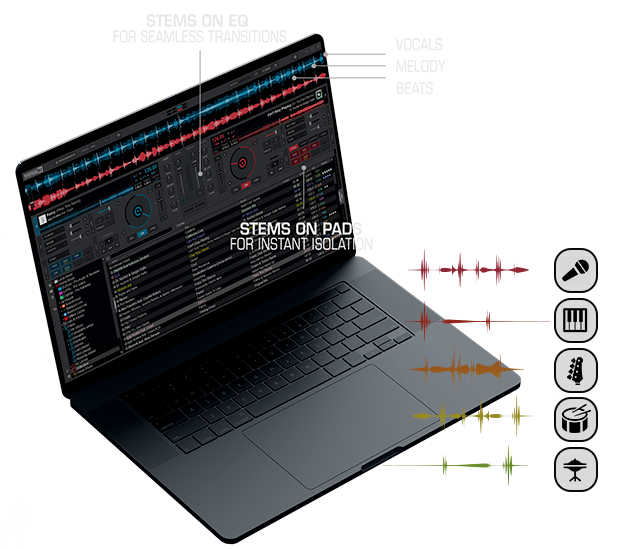
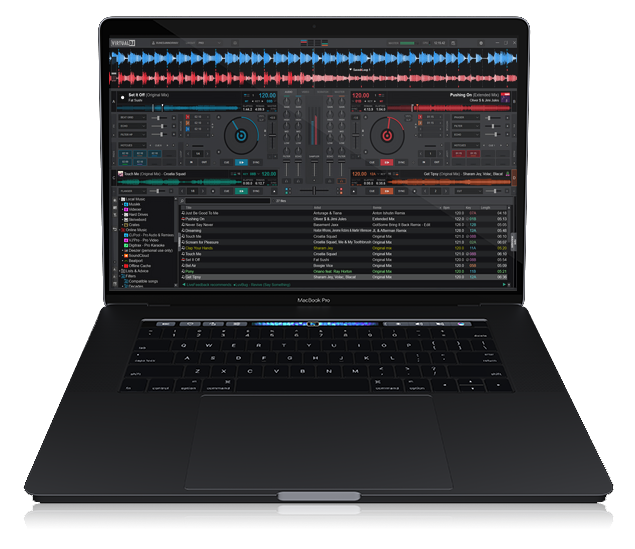
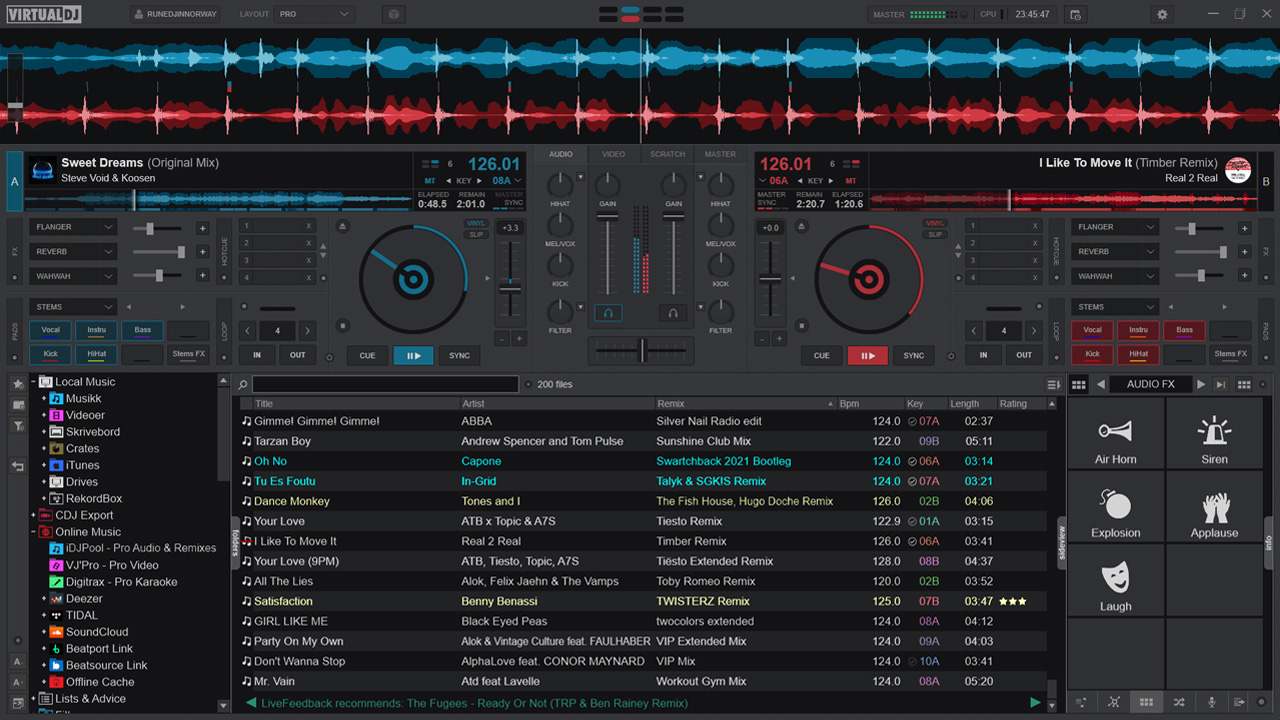
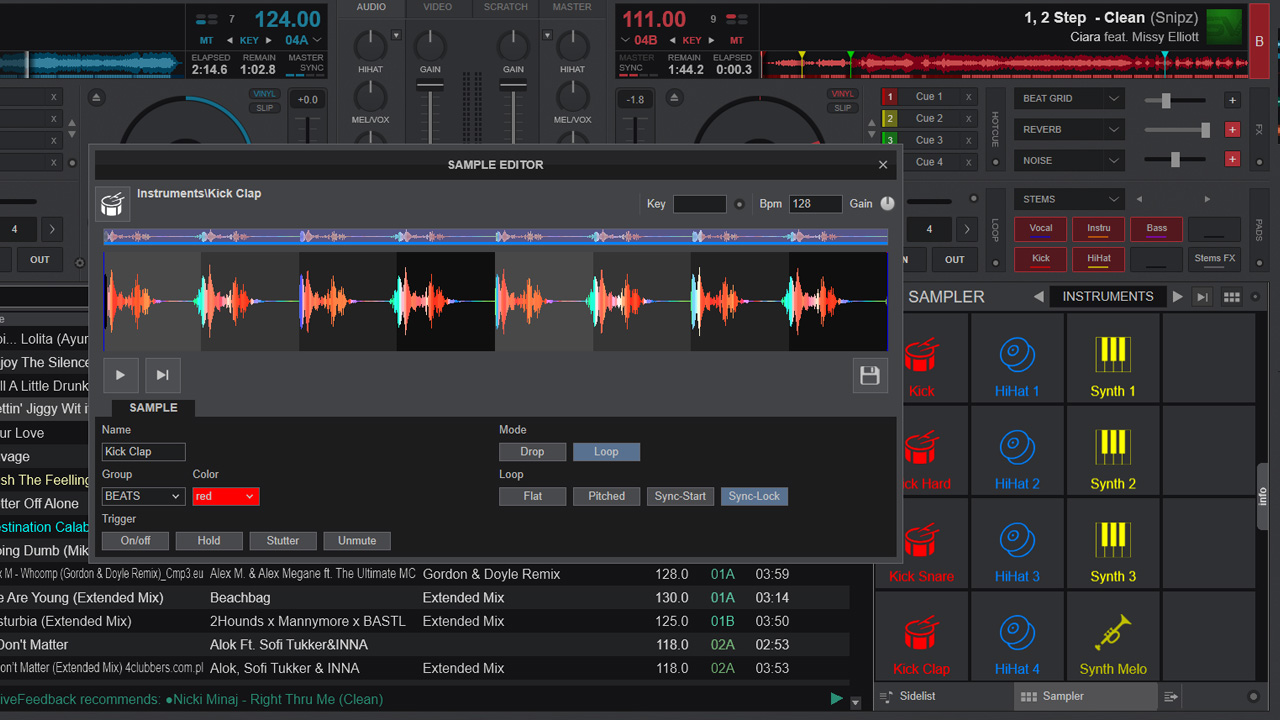
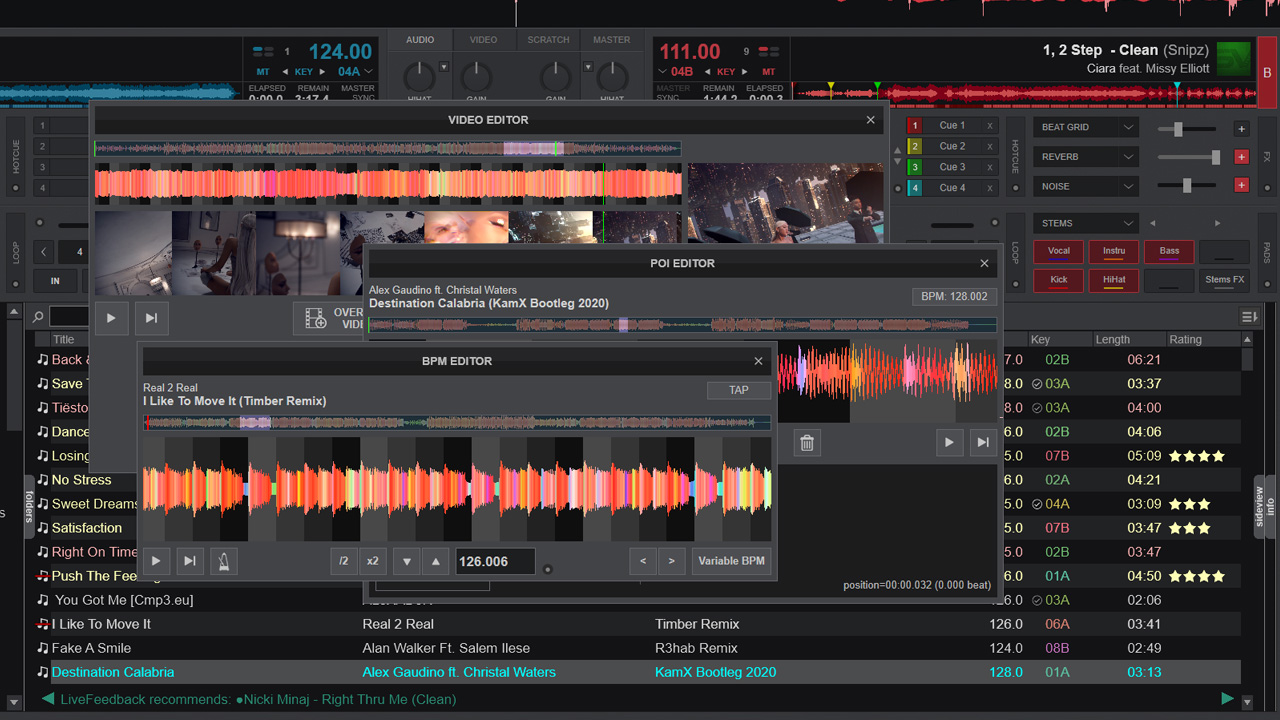
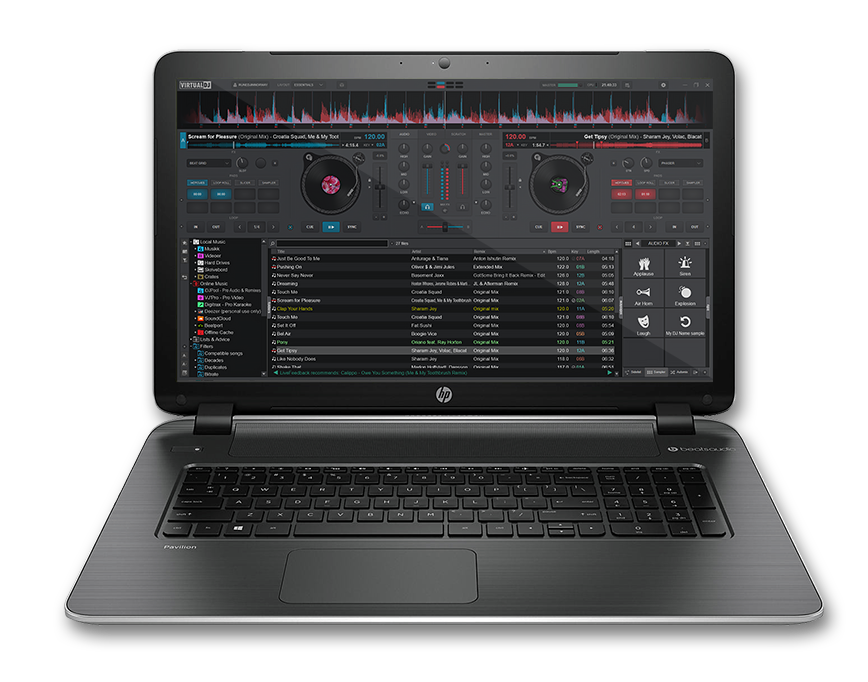
Mix it up With effects, samples, and transitions that rival vinyl turntablisms, VirtualDJ lets anyone produce polished MP3 mixes. At the top of the graphically-intense interface, song-structure visualizations show the beats as the music plays.
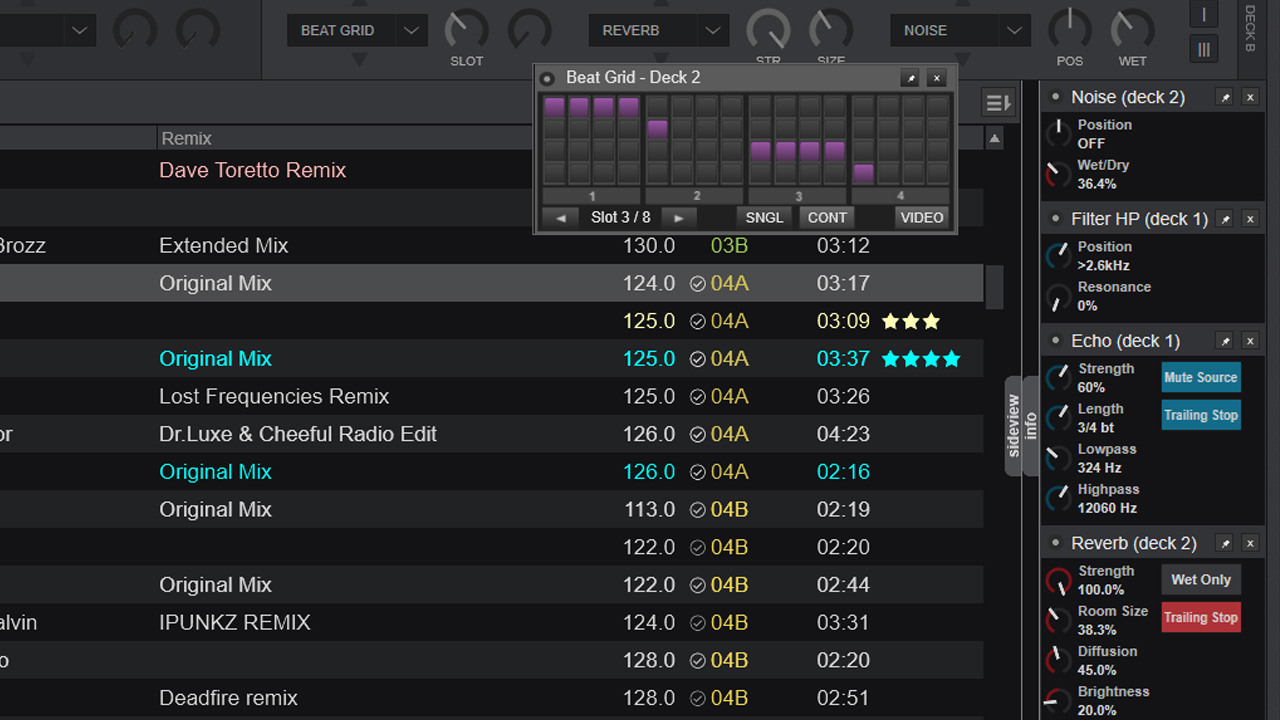
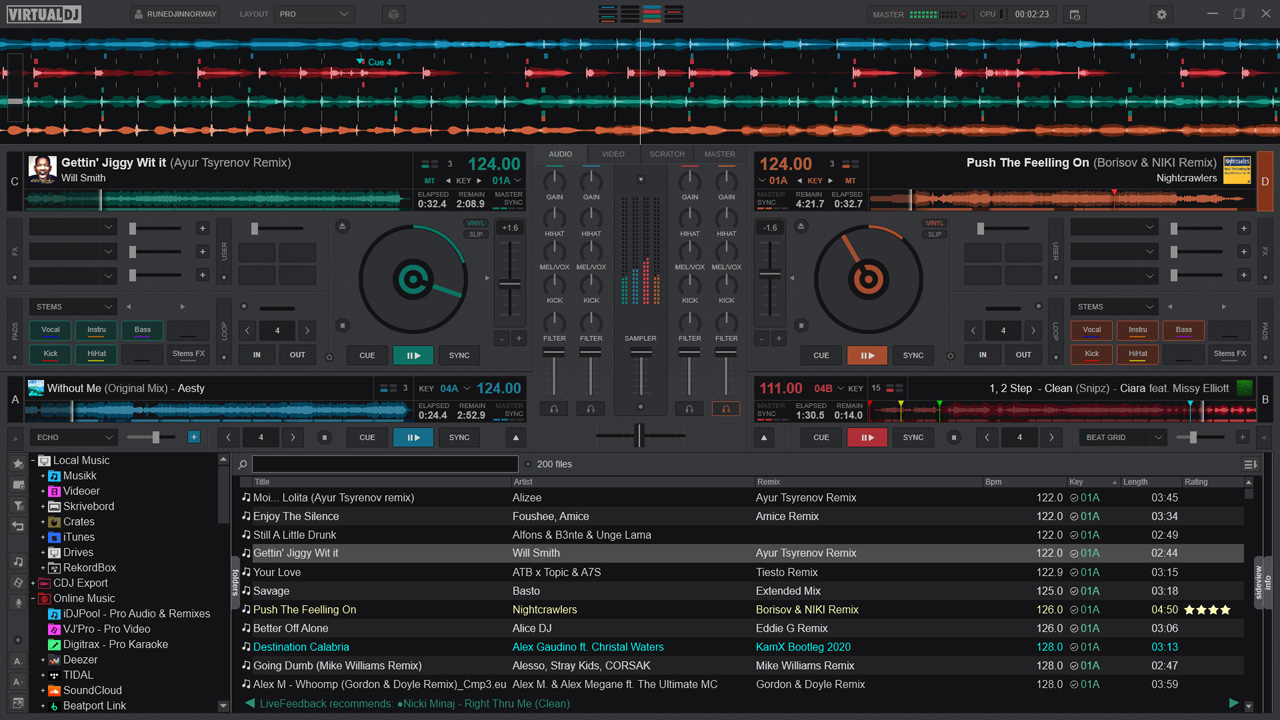
Two simulated turntables play the currently- loaded tracks. Windows below the turntables show samples, effects, music search, recording, program options, and an Explorer-style interface for loading music. Virtual DJ not only can create audio collages, but
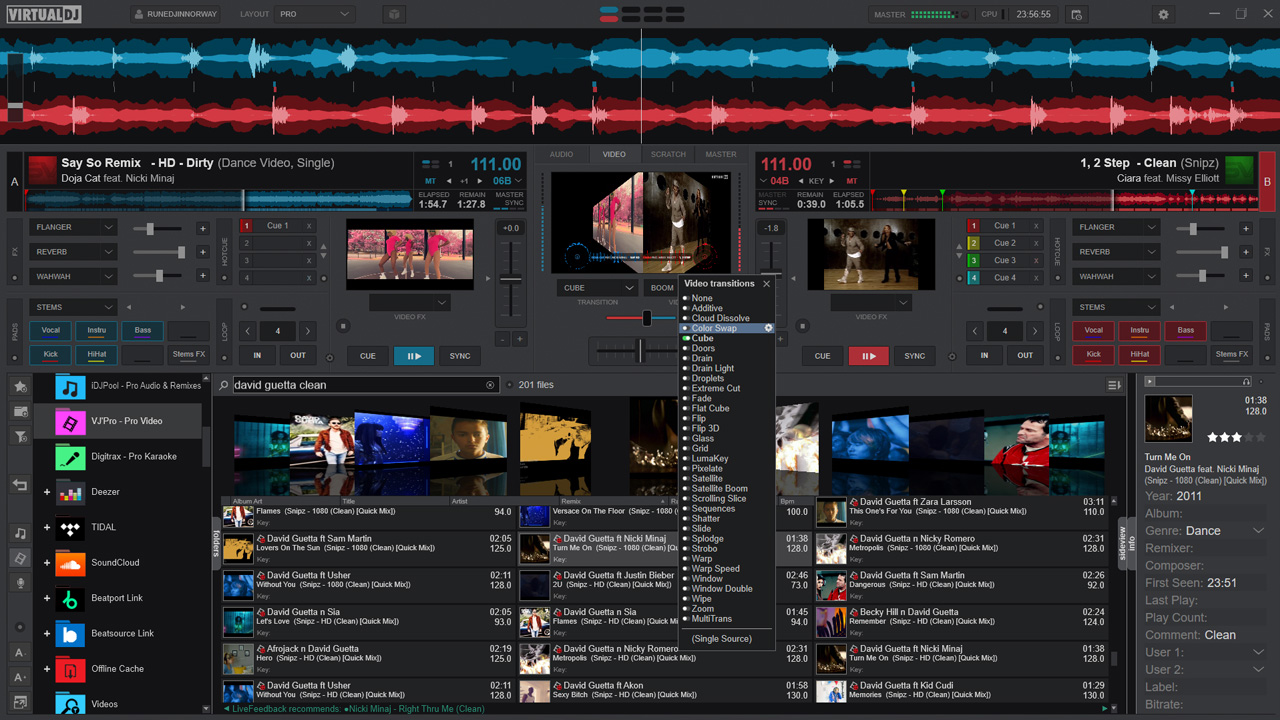
it now also can make montages of video clips. The stylish interface and high number of features score points. Virtual DJ is well worth a look both for aspiring mixers and newbies.
Cnet Editor - about VirtualDJ Home Edition
Moreover, the numerous live remix features will let you put your artistic talent to work without waiting through the many years of technical learning.
As your skills grow and you want to acquire a mixer, turntables, or hardware controller to get all the feelings of DJing; you will need to upgrade (with a discount) to VirtualDJ Pro.
Home Editon features the ability record your mixes, podcast and broadcast your mixes, and more.
See our comparison of the different VirtualDJ product lines here.
Though you might not become the next Paul Oakenfold, you can get pretty close. This software lets you pull up songs on two virtual turntables and add effects, match beats, and practice your cross-fading skills. For novices, club-mixing is simple thanks
to the program's handy beat-matching function. Advanced DJs will appreciate the ability to record sessions or broadcast them directly to the Web.
PC Magazine - about VirtualDJ Home Edition
Mix it up With effects, samples, and transitions that rival vinyl turntablisms, VirtualDJ lets anyone produce polished MP3 mixes. At the top of the graphically-intense interface, song-structure visualizations show the beats as the music plays.
Two simulated turntables play the currently- loaded tracks. Windows below the turntables show samples, effects, music search, recording, program options, and an Explorer-style interface for loading music. Virtual DJ not only can create audio collages, but
it now also can make montages of video clips. The stylish interface and high number of features score points. Virtual DJ is well worth a look both for aspiring mixers and newbies.
Cnet Editor - about VirtualDJ Home Edition
Entry Level Gear
Hercules DJConsole
VirtualDJ Home Edition