Login :       Password :       Remember me

Skins
Effects
Controllers
Languages
Samples
Grafx
Tools
Upload

Advanced default by cioce (1024x768)

Name: Advanced default by cioce (1024x768)
Author: cioce - Moderator -

Date added: Thu 02 Feb 06 @ 12:00 am
Last update: Tue 17 Oct 06 @ 11:36 pm
Monthly downloads: 1
Total downloads: 8 943

Your current licenses do not allow you to download Skins

Based on:


Description:
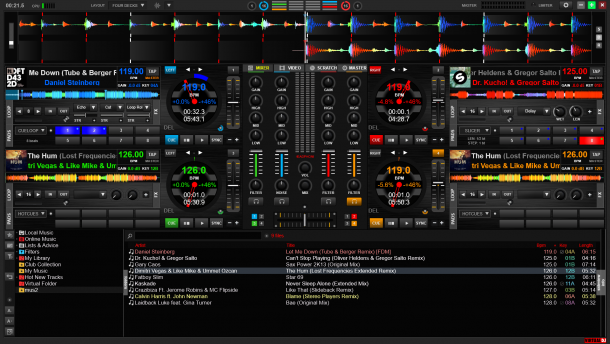
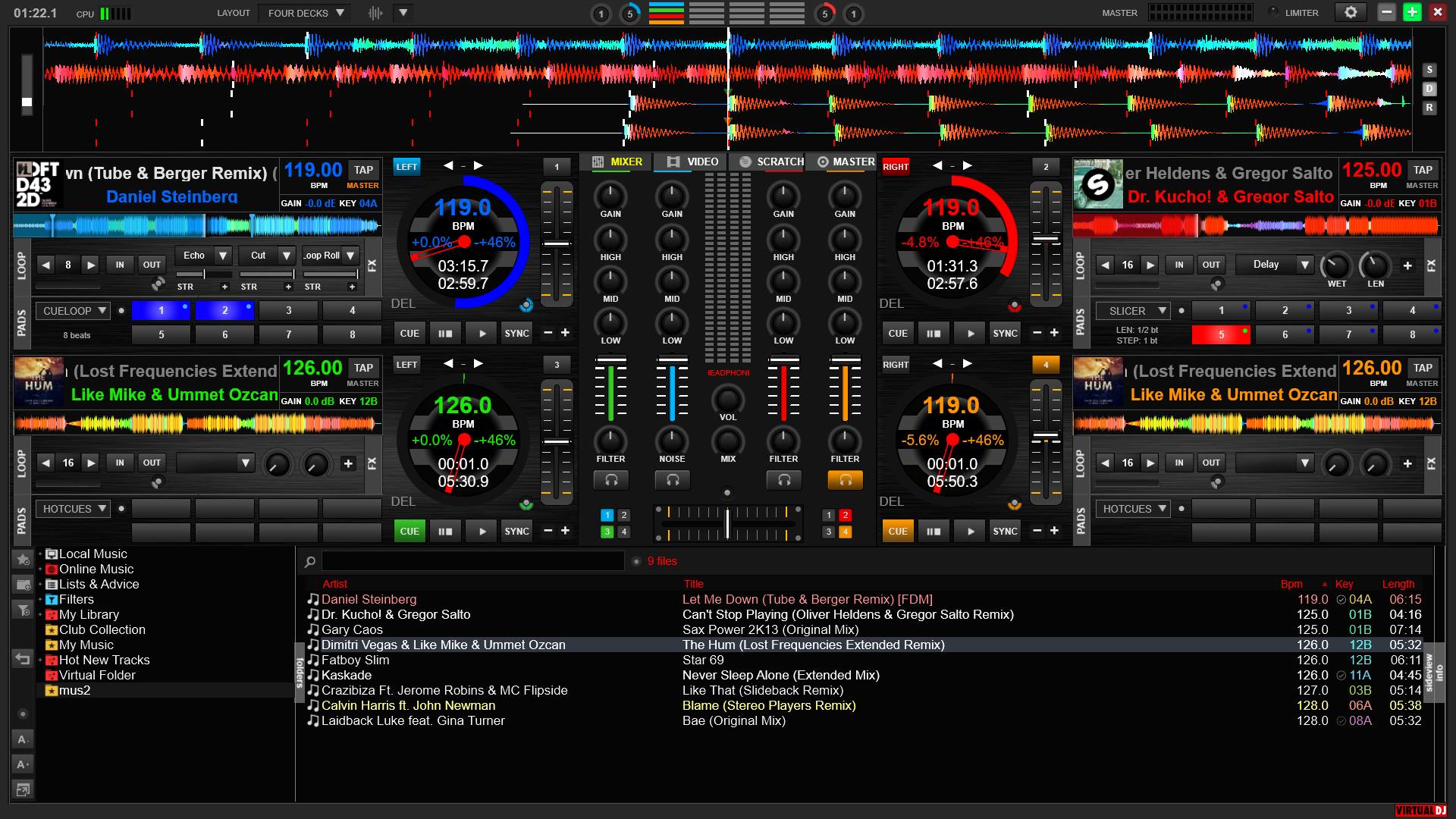
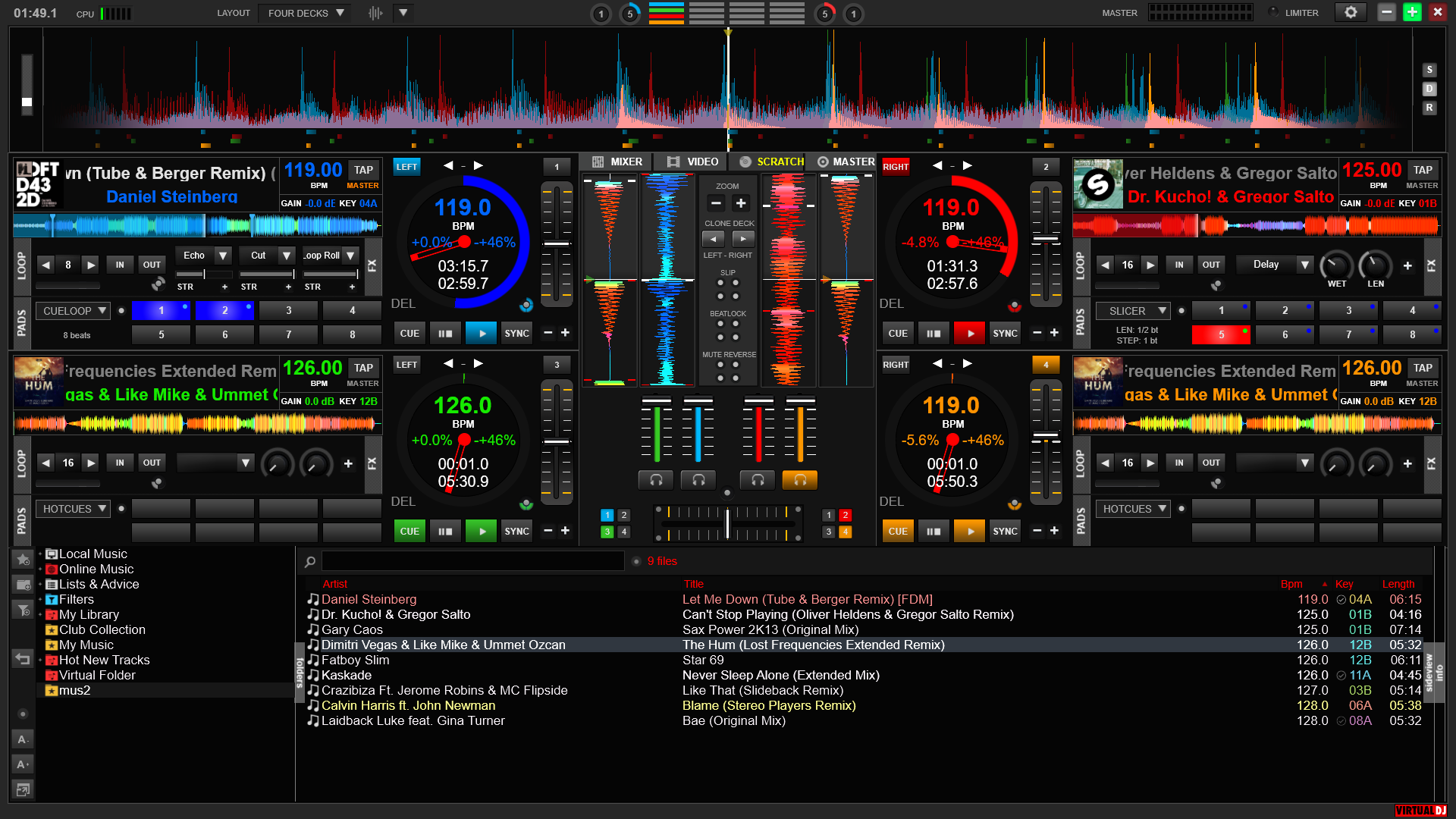
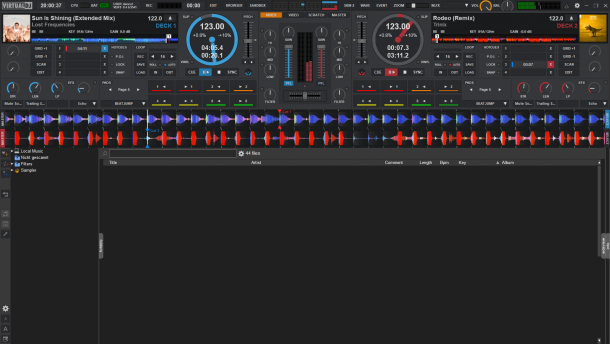
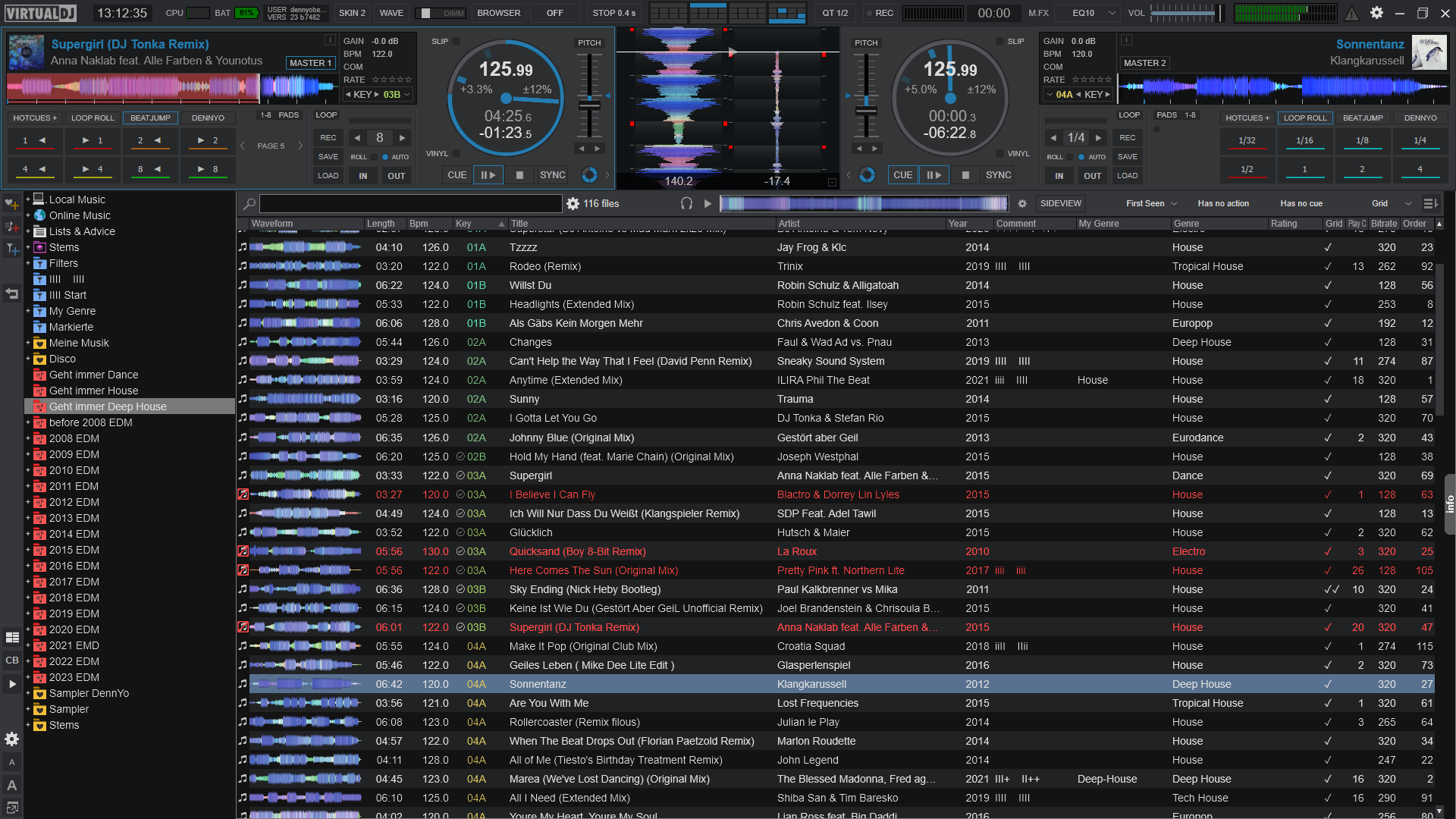
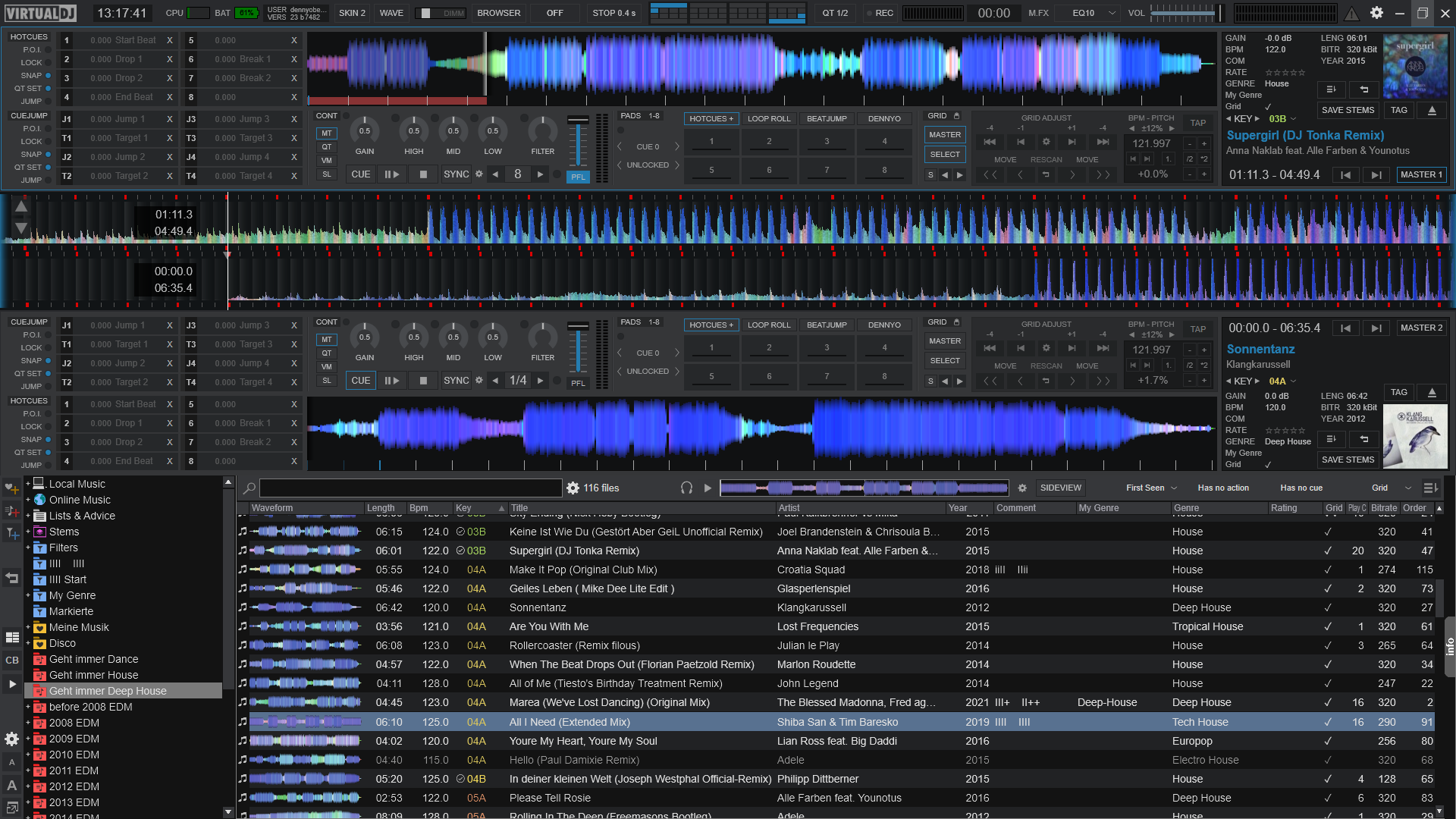
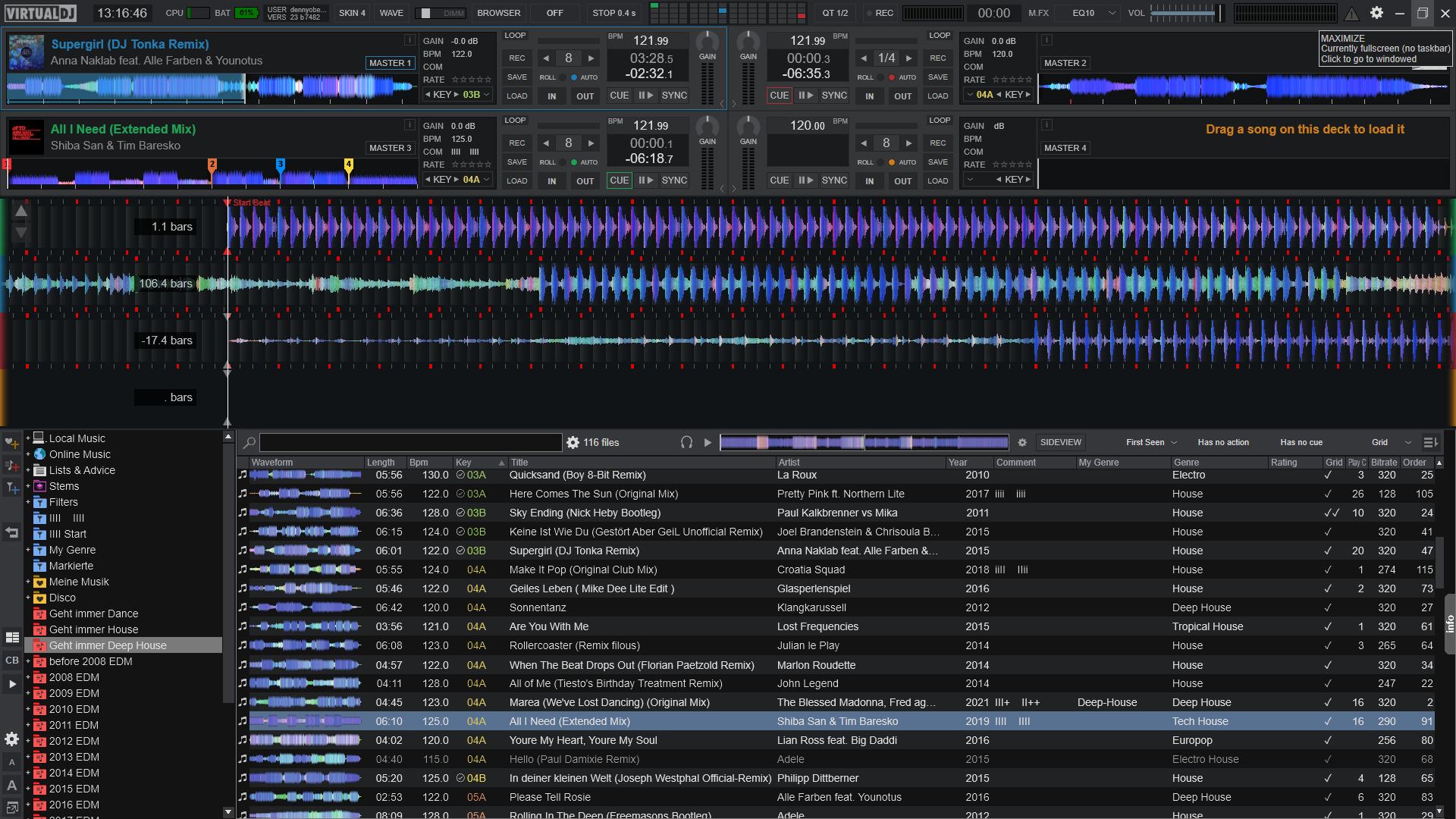
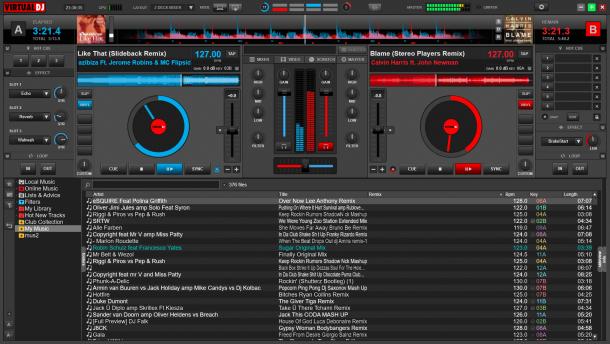
Clock and counter divided in two different top positions - Blue tooltip indicator on every generic button and yellow on the pitch – Wave zoom slide – CBG shift buttons - Double gain and volume sliders, you can choose both or only volume or only gain for each player - Double time indicator, from start to end or to start & from end of the beats near the turntable and switched by click on - Another time indicator for spent (green) & left (red default) time fix near reberse (R) button - Nudge / scratch buttons on the turntable for mouse and/or console – Key lock on/off buttons on the turntable - Clone deck buttons in the mixer - Red Fx, yellow Cue and green loop buttons colors like DJ console leds, now remoted in the skin, to switch use the triangle button of the Console - 5 central panels (audio, video, sample, Fx & panel setup) selected via central buttons -
Audio with standard crossfader equalizator -
Video with: Video window open/close button - auto - only A - A+B - only B - Fx on/off button with regolation bar -
Sample with: on/off buttons and indication – Selector for sample – Rec loop into a sample – Save as for Rec loop sample -
Fx with: on/off buttons and indication – Selector for Fx - 5 slider for any Fx
Panel setup with: - New Sync button function or old like version 3.4 selection – Invert Pitch/Volume button for DJ console - Double level-visuals displayed, you can choose "position of slider" or "output level" inverted - Virtual DJ or VDJ discs with | (vertical line) good to find the position of the disc in scratch mode and two head arm color - 5 different crossfader curve selections – Master tempo on/off (MT) - Time Code active (TC), By-pass (X) and Unload buttons (U) for deck A & B. All the buttons + & - | < & > | << & >> make the double value of the original function if are pressed with right click of the mouse.

Reference skin forum <a href=http://www.virtualdj.com/forums/45920/Skins/Advanced_default_by_cioce_(1024x768).html>link</a>

Site map
(C)opyright Atomix Productions 2012

Software
Hardware
Membership
Goodies
VirtualDJ Pro Full
VirtualDJ Pro Basic
VirtualDJ Broadcaster
VirtualDJ Home FREE
VirtualDJ LE
Comparison
Numark CUE
VirtualVinyl
VirtualDJ iRemote
AtomixMP3
eJay DJMixStation
DJ-Box
What's new
Features
Screenshots
VirtualDJ Home FREE
User Manuals
Plugins
Software Updates
Press Material
Developer SDK
Timecode CD
Skins
Effects
Controllers
Languages
Samples
Grafx
Tools & Drivers
Forums
Users Network
Music Groups
Wiki & Manuals
Radio
Magazine
Social Web
Create a login
Atomix Productions
Privacy Policy
VIP DJs
Ask a question
View your tickets
Wiki & Manuals